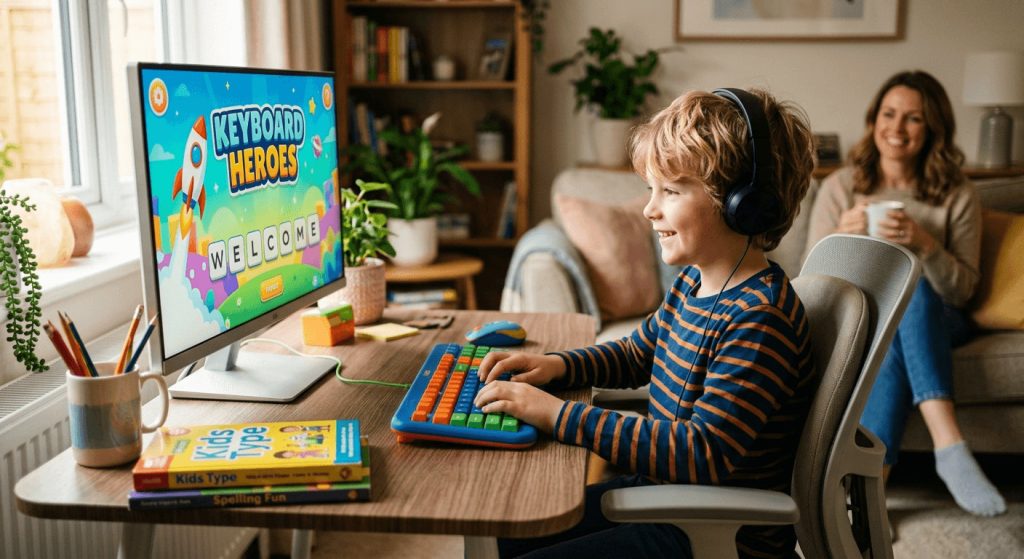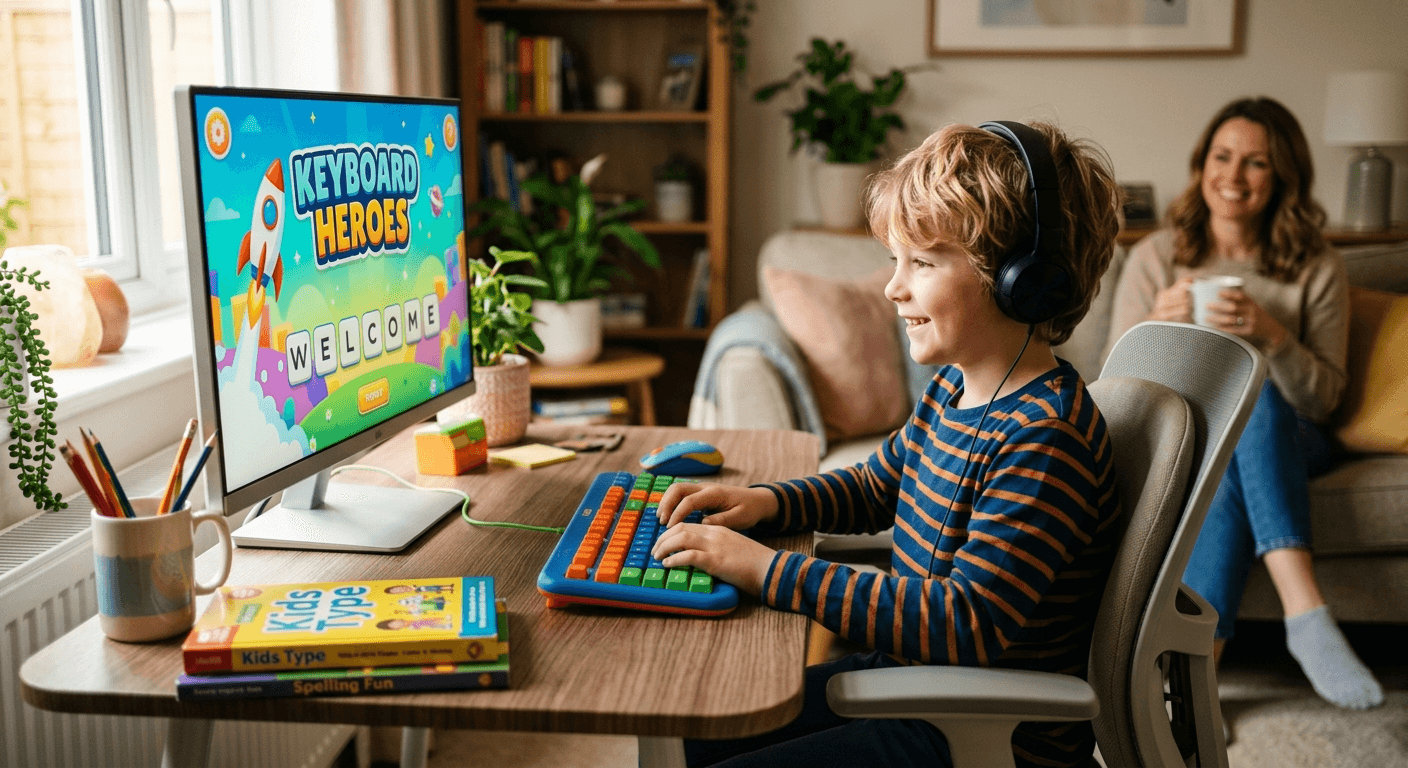
Your child’s fingers glide across a touchscreen without a second thought. They swipe, tap, and scroll with total confidence. But sit them down at a keyboard and the whole thing falls apart. Keys feel unfamiliar. Fingers go to the wrong places. Frustration sets in fast. If this sounds like your household, you are not alone, and the fix is simpler than you might expect. Getting kids comfortable with typing early is less about formal lessons and more about removing barriers, lowering stakes, and making the whole thing genuinely fun.
What Every Parent Should Know First
- Most children are ready for typing basics between the ages of 6 and 8
- Short, playful sessions build far more skill than long, structured drills
- No-pressure starting points create confidence before speed ever matters
- Novelty and game-like tools keep reluctant learners coming back
- Consistency beats intensity at every stage of early skill-building
Why Typing Is a School-Readiness Skill, Not a Tech Chore
Parents put a lot of energy into preparing young children for school. Reading, counting, building social skills, and following routines. Typing rarely makes the list. But the classroom has changed significantly. By second or third grade, many children are expected to type assignments, complete digital forms, and communicate online. A child who is not comfortable at a keyboard faces a real disadvantage that has nothing to do with how smart they are.
Typing is a motor skill. Like handwriting, it takes repetition to solidify. The earlier a child gets comfortable at the keyboard, the more natural it becomes. Waiting until middle school, when academic pressure is higher and time is tighter, makes the learning curve steeper with no good reason for the delay.
Think of it the way you might think about reading aloud. You would not wait until your child needs to present a book report before teaching them how to read. Typing deserves the same early attention because by the time it feels urgent, you will wish you had started sooner.
Finding the Right Starting Age for Your Child
There is no single correct age to begin. Children develop hand strength, coordination, and letter recognition at different rates. That said, most children have the basic fine motor control needed for keyboard work somewhere between ages 6 and 8. By then, they typically know their alphabet, can follow simple instructions, and have enough hand control to press individual keys with intention.
Here is a rough framework to help you gauge readiness:
- Ages 4 to 5: Familiarization only. Let them explore the keyboard freely. Name keys together. No expectations around technique or placement.
- Ages 6 to 7: Introduce home row basics in short five-to-ten-minute bursts. Focus on letter recognition and finding specific keys, not speed.
- Ages 8 to 10: Begin touch typing concepts. Both hands, proper posture, home row anchoring. This is when real skill starts building in a lasting way.
- Ages 11 and up: Speed and accuracy goals become genuinely relevant. Children this age can handle structured sessions with measurable targets.
These are guidelines, not rules. Some six-year-olds are ready for structure. Some nine-year-olds still need free exploration time first. Watch your child, not a chart.
The First Session Sets the Tone for Everything That Follows
The first time a child sits down to type with real intention is a defining moment. If it feels like a test, they will associate the keyboard with pressure. If it feels like play, they will want to come back. Getting that first session right matters more than anything else you do in the weeks ahead.
One of the most parent-friendly options available is a free beginner test that needs no account, no signup, and no setup at all. You open it, they type, they see results. That zero-friction experience is perfectly matched to a curious six-year-old who wants to try something new without any commitment attached.
Framing makes all the difference. Do not announce, “We are going to practice typing today.” Try “want to see how fast your fingers can go?” or “want to race the timer?” Both are accurate descriptions of what happens. But one sounds like homework, and the other sounds like a challenge. Children respond to challenges. They resist homework.
Building Real Skill Through Structured Progression
Once your child has had a few sessions and is starting to recognize where keys live, it is time to add gentle structure. Not rigid lessons. Just enough direction to give their practice a clear path.
Dedicated typing practice breaks skill-building into manageable steps rather than presenting the whole keyboard at once. This scaffolded approach keeps progress visible, which matters enormously for young learners. Children who can see themselves improving are far more likely to keep going. The motivation is built into the format.
A solid progression for young beginners follows this kind of sequence:
- Begin with home row keys only, A through L, using both hands
- Add the top row once home row feels natural and unhurried
- Introduce the bottom row and special characters one layer at a time
- Practice common short words before moving to full sentences
- Add the number row last, after the letter keys are genuinely solid
Keep sessions short. Ten minutes of focused work is worth more than an hour of distracted clicking. For younger children, five minutes might be the realistic limit before attention drifts. That is completely fine. It is not a sign that anything is wrong.
Turning Reluctant Learners Into Engaged Ones
Not every child is excited about learning to type. Some kids push back on anything that resembles extra work. Others get frustrated fast when they hit the wrong key repeatedly. If your child falls into this category, the answer is not to push harder. It is to change the texture of the activity entirely.
A word generator works especially well here because it removes predictability from the session. Kids never know what word is coming next, which turns practice into something closer to a game than a lesson. You can build friendly competitions around it. Type the word before they do. See who finishes the list first. The learning happens quietly in the background while the fun takes the foreground.
Other approaches that genuinely help reluctant learners include:
- Letting them type words and topics they actually care about, whether that is a favorite game, a pet, or a character from a book they love
- Setting tiny, achievable goals like typing one full sentence correctly, rather than time-based targets that feel arbitrary
- Celebrating accuracy over speed in the earliest stages
- Ending sessions before frustration peaks, not after
- Staying nearby without correcting every mistake in real time
The goal in the early months is not perfection. It is comfort. A child who is comfortable at the keyboard, even if they type slowly, is ahead of one who avoids it altogether.
The Physical Setup Parents Often Overlook
Children’s bodies are not sized for standard office furniture. Many families overlook this, and poor ergonomics can make typing uncomfortable within minutes, which is exactly the kind of friction that kills practice habits before they form.
A few things worth adjusting before any session begins:
- Seat height: Feet should rest flat on the floor or on a small footrest. Legs dangling creates tension that travels up through the whole body.
- Keyboard height: Elbows should sit at roughly a 90-degree angle, not reaching upward or hunching downward to reach the keys.
- Screen distance: About an arm’s length away, with the top of the screen at or just below eye level to avoid neck strain.
- Wrist position: Flat or very slightly elevated. Bending the wrists downward toward the desk is a habit that causes problems over time.
- Finger anchoring: Left index finger on F, right index finger on J. Most keyboards have a small raised bump on both keys for exactly this purpose.
Getting the setup right early prevents habits that are genuinely hard to undo later. A quick five-minute check before each session takes almost no time and makes a real difference over months of practice.
Building a Routine That Actually Sticks
The hardest part of building any new skill in a child is not the beginning. It is the middle, when novelty fades, and other activities compete for the same time slot. Typing practice is no different. The habit will drift without a structure to hold it in place.
The most effective approach is attaching practice to something that already happens consistently. Right after homework. Before screen time. While dinner is being prepared. When typing has a regular slot in the day, it does not require a fresh decision each time. That reduction in friction is what keeps habits alive over months rather than weeks.
You do not need to supervise every single session, either. Once your child has a clear, age-appropriate tool to work with, short independent sessions become possible. Check in, ask them to show you what they worked on, and make a genuine point of celebrating small gains. A child who types five words per minute this week and seven next week has genuinely improved. That deserves acknowledgment.
A note on screen time framing: Typing practice is a productive use of screen time, not an addition to it. For parents managing daily screen limits, it may help to position keyboard sessions as learning time rather than entertainment time, which they genuinely are.
When the Keyboard Finally Feels Like Home
There will be a moment, probably a few months in, where you notice your child is not hunting for keys anymore. Their eyes stay on the screen. Their fingers move without hesitation. The keyboard has stopped being a foreign object and started being a tool they own.
That shift does not come from a single perfect lesson. It comes from dozens of small, low-pressure sessions that added up quietly over time. It comes from framing typing as something worth doing rather than something to endure. It comes from tools that meet children where they are and give them something to succeed at early, before they are expected to succeed at everything.
Starting early, keeping it light, and staying consistent are the three things that matter most. The rest takes care of itself.